Alterations and extensions
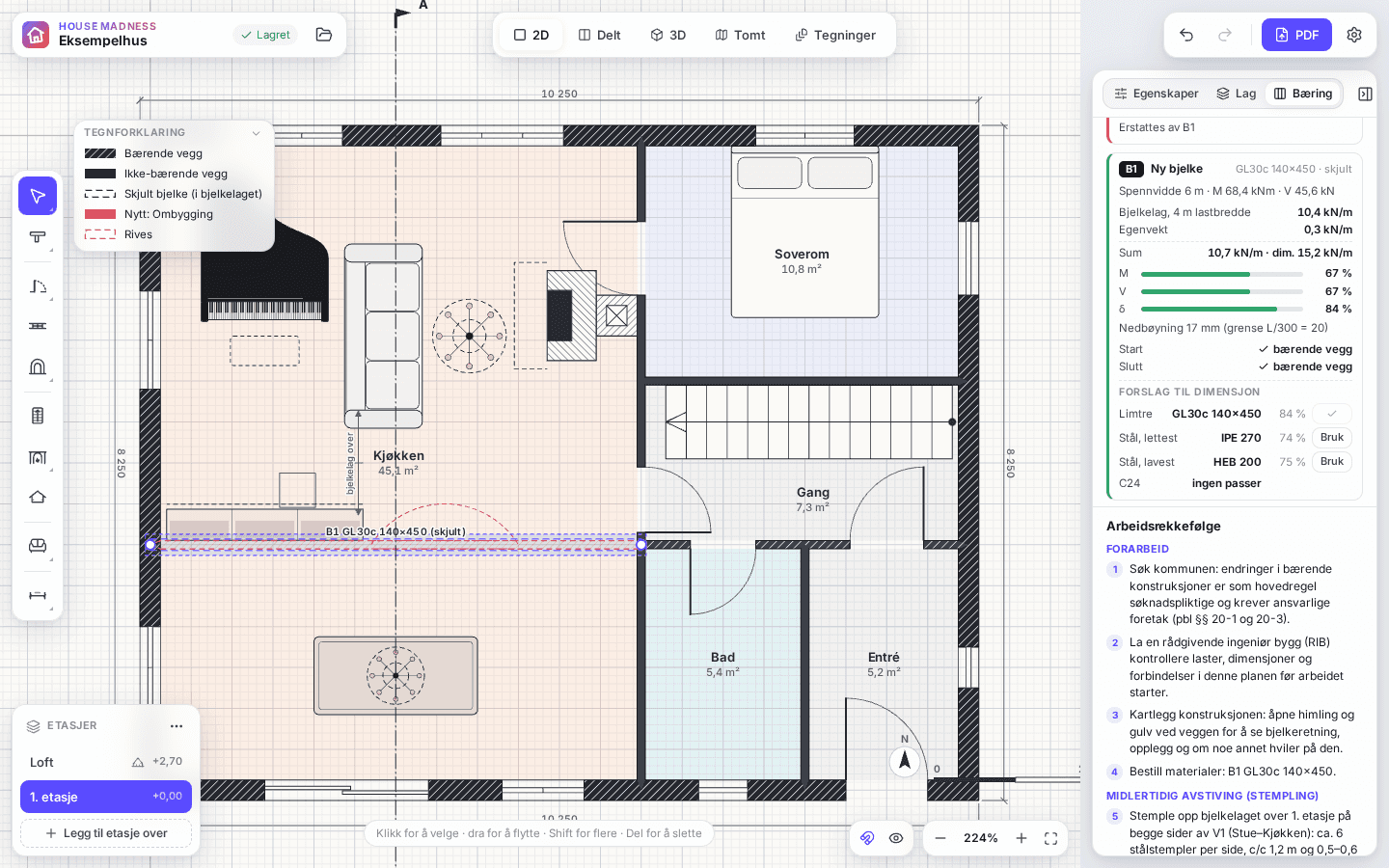
Draw the new work on its own layer and compare with the house today.
Video coming soon
How to do it
Open the Layers tab and choose “New buildout layer”.
Draw the extension or the changes on the layer. New work shows in the layer’s colour.
To remove an existing wall, select it and choose “Demolish on this layer”. It is drawn dashed.
Hide the layer to see the house as it is today, and show it again to see the proposal – in 3D too.
Good to know
- The permit drawings show existing, new (red) and demolished (dashed) work.