Getting started
Draw your first house in five minutes.
Video coming soon
How to do it
Open the app. There is nothing to install and you do not need an account.
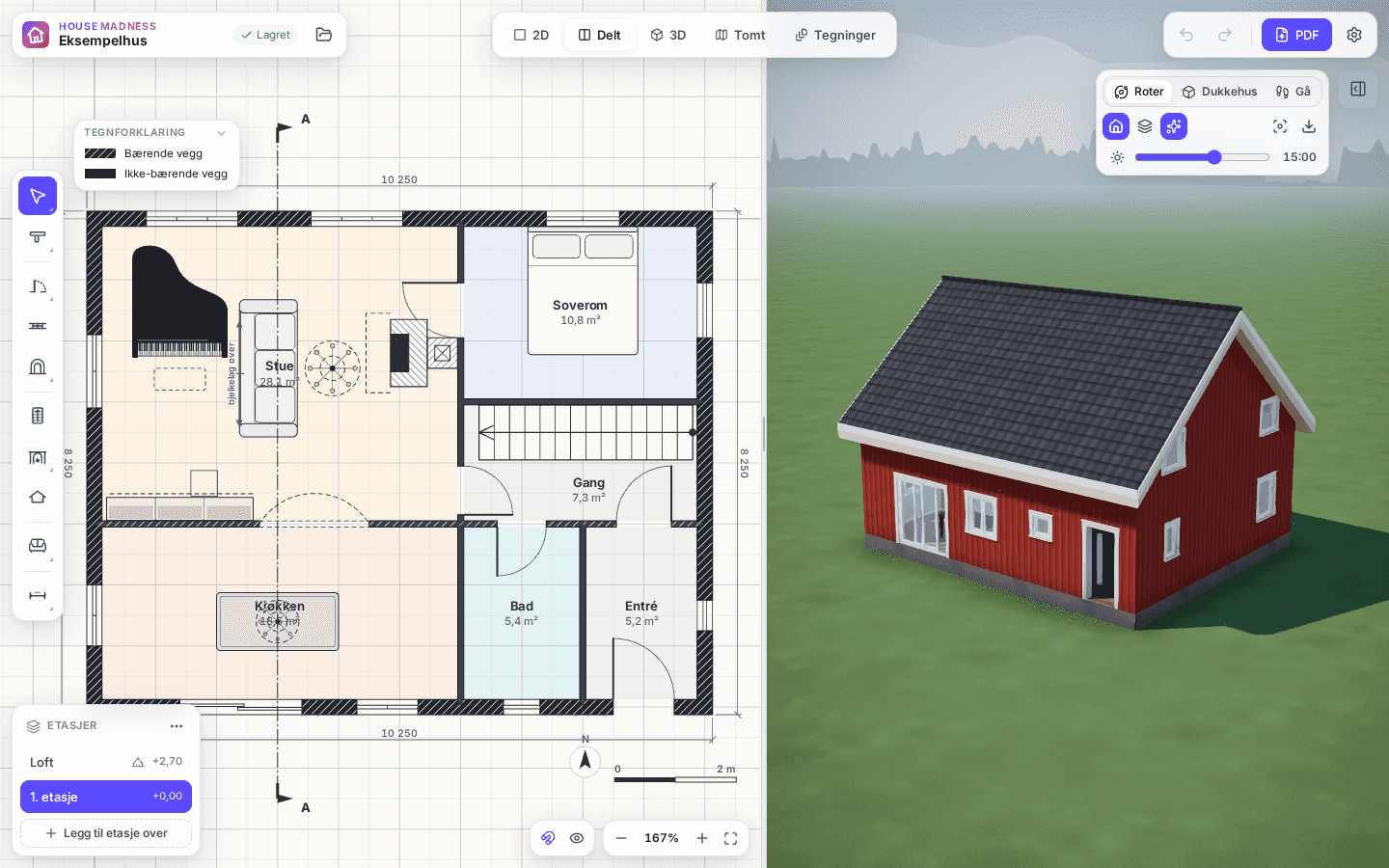
Choose “Open sample house” in the project menu to look at a finished house, or start an empty project.
Draw the exterior walls with Wall (W): click each corner, type the length (for example 3600) and press Enter.
When the walls close, the rooms appear by themselves, with names and areas.
Press “Split” to see the plan and the house in 3D side by side.
Good to know
- Your project is saved automatically in your browser. “Save project file” gives you a copy to keep or move to another computer.
- Shortcuts: V select, W wall, Q room, D door, N window, 0 fits the whole house, Ctrl+Z undoes.